
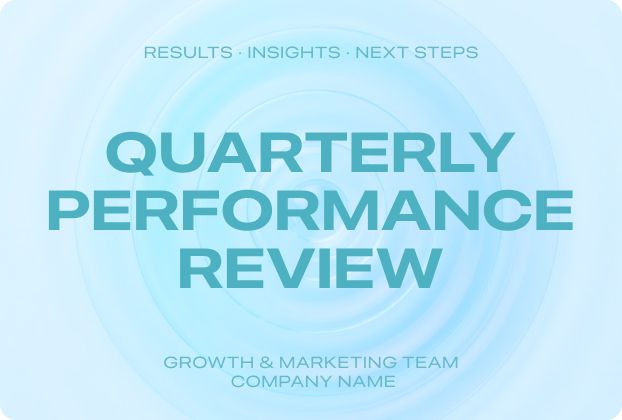
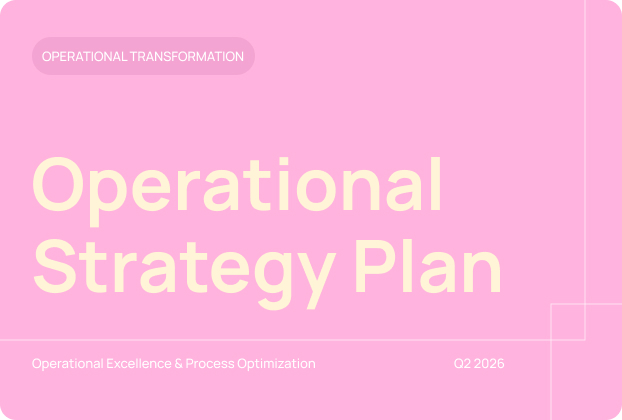


Editable Document
Freely edit text and elements within slides. Enjoy complete, full-featured Office editing capabilities. All operations are exactly the same as using WPS normally.


AIslides is an AI-powered slide creation tool from WPS, offering 100% Office-compatible complete editing experience, truly achieving "one-click generation, free modification".
Size recommendation: Document < 120MB
Word count recommendation: < 150,000 words
Move beyond "export-only" limitations with full Office-standard editing power. Refine every detail as you want.
Freely edit text and elements within slides. Enjoy complete, full-featured Office editing capabilities. All operations are exactly the same as using WPS normally.
Enhance your slides as you go. Use AI to generate pages, images, or refine your content without ever leaving the editor.

Export as PPTX, PDF, or images with zero restrictions. Seamlessly compatible with every workflow.

Skip the tedious formatting. Choose from professional templates where AI automatically optimises the structure to fit your content perfectly.

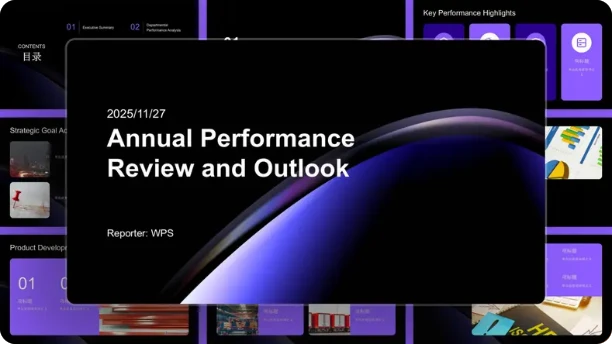

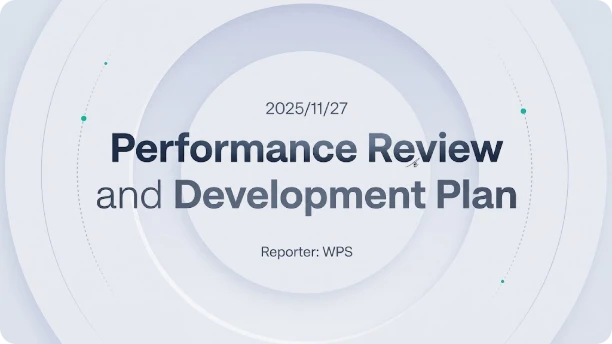
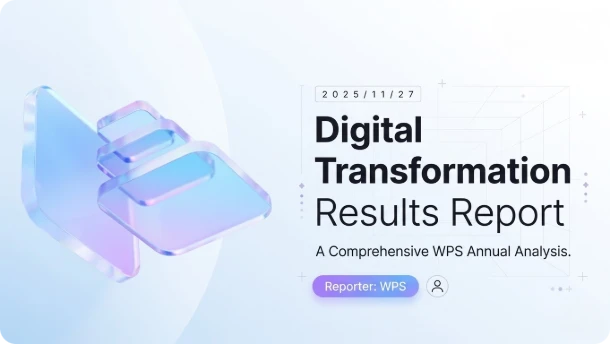


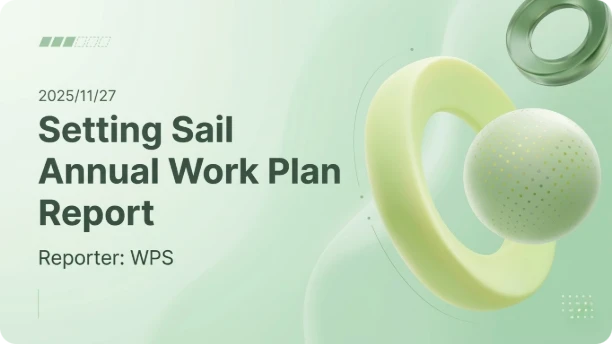
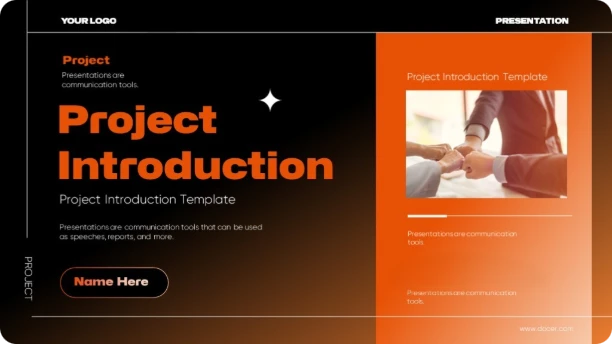
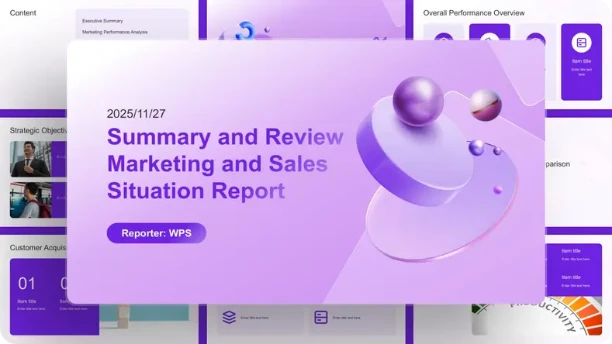

Upload doc, PDF and other files from the cloud or locally, generate PPT based on the document content, and retain the original content structure.
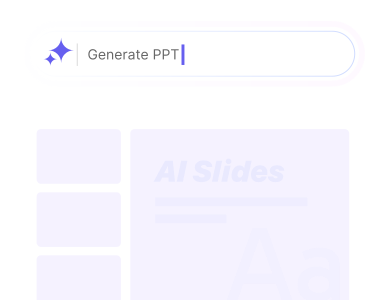
Enter the topic you want to create directly in the input box. Generate slides based on the topic content. Simple and quick operation, suitable for ad-hoc needs.
Upload doc, PDF, or other files from Cloud or local storage. Generate slides based on document content whilst preserving the original content structure.
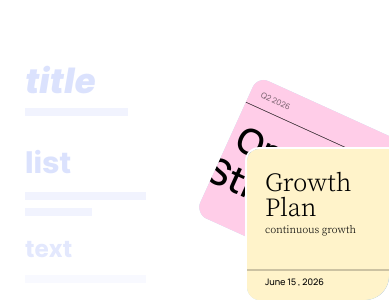
Paste your content outline directly. The system automatically recognises the structure and generates corresponding slides, preserving your preset content logic.

Last week when preparing courseware for a public class, I only uploaded a 2,000+ word lesson plan PDF document, selected the "Education and Training" template, and in less than 2 minutes, a logically clear presentation was generated. For teachers like us who frequently create courseware, this is a real time-saver!
Lecturer
Amanda Wilson

Last week when preparing courseware for a public class, I only uploaded a 2,000+ word lesson plan PDF document, selected the "Education and Training" template, and in less than 2 minutes, a logically clear presentation was generated. For teachers like us who frequently create courseware, this is a real time-saver!

When preparing my quarterly summary report at month-end, I just pasted the organised operational data outline, and it automatically generated a very professional layout with exactly the premium corporate report quality I wanted. The best surprise was that I could still freely edit it after generation. Must give it a five-star rating!
Operations Manager
Ethan Williams
When preparing my quarterly summary report at month-end, I just pasted the organised operational data outline, and it automatically generated a very professional layout with exactly the premium corporate report quality I wanted. The best surprise was that I could still freely edit it after generation. Must give it a five-star rating!

Last time I had an urgent order where the client needed a presentation in the afternoon. I immediately opened AIslides, entered the topic and key selling points just like chatting, and it quickly generated visually stunning slides. The case studies and logical framework inside were even more professional than what I would have built myself.
Marketing Strategist
Michelle Carter
Last time I had an urgent order where the client needed a presentation in the afternoon. I immediately opened AIslides, entered the topic and key selling points just like chatting, and it quickly generated visually stunning slides. The case studies and logical framework inside were even more professional than what I would have built myself.
Generate professional slides instantly. Edit every detail effortlessly.
2 Free Uses Available. Start Now.